
Dryer Sensor Dry Settings: What Should You Check before Buying?
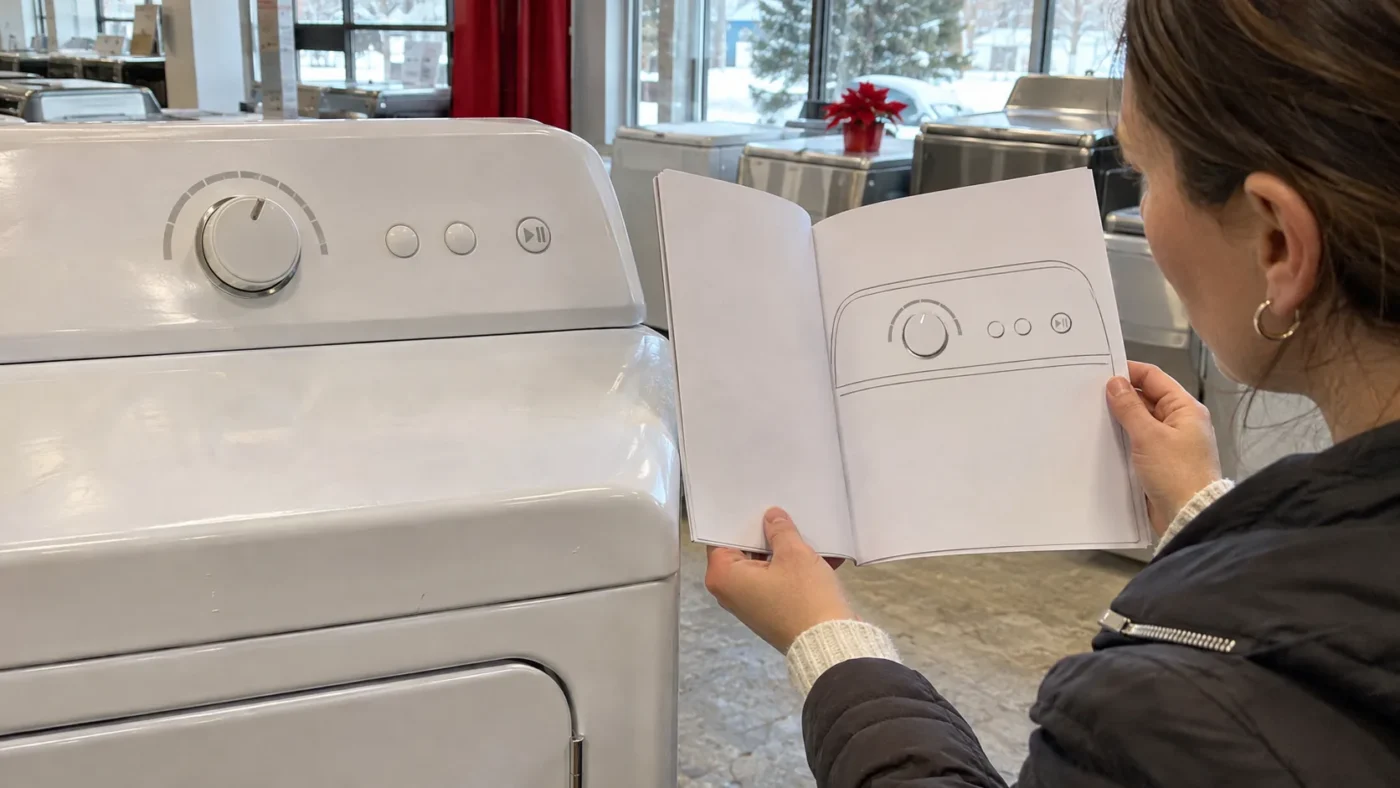
Two used dryers can have similar-looking dials and quite different choices behind them. Before comparing dryer sensor dry settings, start with the actual model number. A familiar label on the panel is useful, but it does not tell you which options work together or what the machine has been checked for.
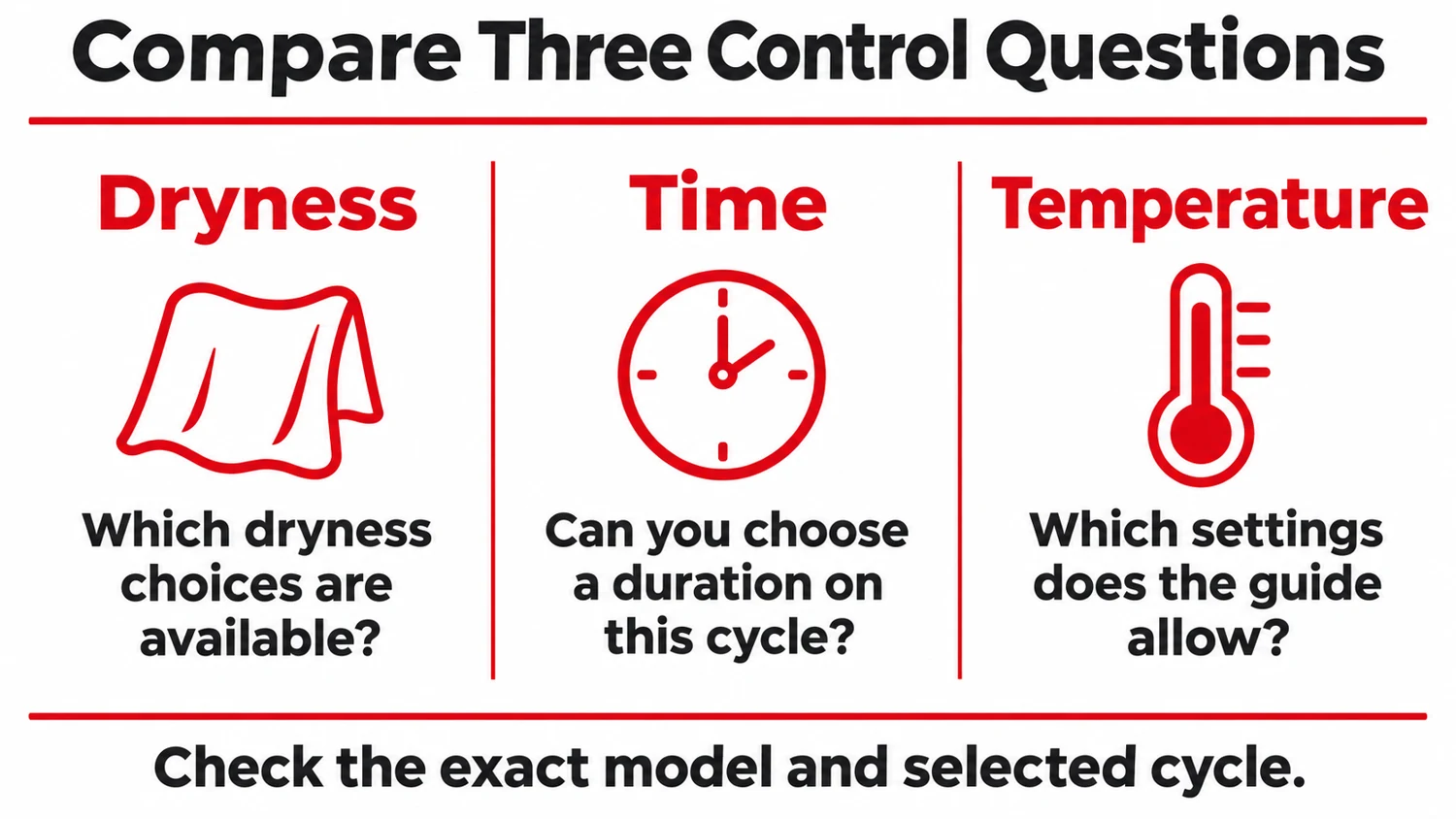
You do not need to become an appliance technician to compare the controls. Bring the model guide into the conversation and separate three questions: what dryness choice is available, when you can choose a duration, and which temperature options belong to the selected cycle. That makes a showroom comparison much more concrete.
In this article
Find the Exact Model Guide
Sensor cycles use moisture or air-temperature feedback to end at the selected dryness level. Timed cycles run for the duration you choose. For one manufacturer’s wording, see Whirlpool’s W11773236A dryer cycle guide.
Ask for the complete model number of the appliance you are considering. Use it to find the manufacturer documentation that matches that model. A guide for a similar-looking dryer may describe controls that this one does not have.
Then compare the guide with the physical panel. Look for the cycle names, the options beside the dial or display, and any notes that limit an option to particular cycles. If a control is hard to read or a label is unfamiliar, ask the seller to explain it against the matching documentation.
This is especially useful when comparing used and open box appliances from different years. A current brand website may display a newer control system, while the dryer in front of you belongs to an earlier range. The exact model is the link between the appliance and the instructions that apply.
Keep a photograph of the panel and a note of the model reference together. That way, you can revisit a question without relying on a general product photograph or a description remembered from another listing.
Separate Dryness from Running Time
A dryness choice and a duration are different kinds of control. Do not assume that a setting labelled More Dry means you are directly selecting a number of minutes. Likewise, the presence of a timed cycle does not describe every other cycle on the machine.
For the model you are considering, ask which cycles are described as sensor or automatic cycles. Next, find the guide’s explanation of how the available dryness choices are used. The names and combinations can differ, so write down the actual labels rather than translating them into a universal scale.
Now look at the timed-cycle instructions separately. How does this panel let you choose a duration? Is there a dial, a pair of buttons or another method? Knowing that distinction helps you compare the way two machines are operated without assuming that one panel has the same behaviour as the other.
There is no need to rank a machine by how many labels appear around its dial. A smaller set of clearly understood options may be easier to compare than a longer list whose purpose is still unclear. Start with the settings you expect to use.
Check Options Cycle by Cycle
Temperature is another question to check separately. A panel may list a temperature option without making it available on every cycle. Read the option notes alongside the cycle chart, rather than treating the panel as a menu where every combination is possible.
Whirlpool’s W11773236A dryer cycle guide provides a useful manufacturer example. It distinguishes sensor cycles from timed cycles and notes that features, cycles and options are not available on all models. For the dryers described in that guide, sensor cycles use moisture or air-temperature feedback to end at the selected dryness, while timed cycles use the chosen duration. Sensor-cycle time is not a manually adjustable duration. Those details illustrate why the matching guide matters; they do not establish the controls on another dryer.
Make a short comparison using the cycle you would actually choose. Record its dryness options, any time selection and its temperature choices. If the guide says an option is unavailable, keep that limitation in your notes. Do not count it as an extra choice just because the button appears on the panel.
The comparison below is a way to organize questions. It deliberately leaves the answer open for the exact model, rather than assigning a universal function to every sensor-dry label.
| Control Question | What to Record |
|---|---|
| Dryness choice | The available dryness labels for the selected cycle. |
| Time choice | Whether that cycle permits a selected duration, and how it is chosen. |
| Temperature choice | The settings the model guide allows on that cycle. |
| Option limits | Any cycle-specific restrictions stated in the matching guide. |
Bring Your Laundry Routine Along
Think about the laundry you normally handle before comparing a long list of features. You might want to discuss everyday clothing, towels or items whose care labels need particular attention. The useful question is how the available controls fit those needs, with the model guide and fabric-care instructions in hand.
Ask about a specific scenario instead of asking whether a dryer has a good sensor. For example: which cycle would the guide identify for this type of load, and which settings can be changed on it? The answer is easier to compare when it names actual controls.
Keep capacity and physical fit on a separate part of your buying list. A control-panel comparison does not establish that a dryer will suit the available space or installation. Those details still need to be checked for the actual appliance and home.
When browsing the Express Appliances dryer selection, use the listing to identify a model to ask about. Confirm the details of that appliance before treating a general feature description as the answer to your own laundry needs.
LG USA explains its Sensor Dry feature in this manufacturer video from 2018. It is a brand-specific example, not a guide to every dryer or a representation of Express Appliances inventory. Compare the actual model guide before using its controls.
Ask About Condition Separately
A sensor-dry label describes an advertised feature, not proof that the particular used appliance is performing correctly. A panel lighting up also answers a narrower question than whether the machine has been assessed under an appropriate check.
Ask the seller what has been checked on the actual dryer and what information is available about its condition. If you are unsure what a demonstration establishes, ask that directly. Keep the answer separate from the description of how the controls are intended to work.
This distinction avoids an easy misunderstanding. The manufacturer’s guide explains the model’s design and operation; the seller’s condition information concerns the individual appliance. Neither should be silently substituted for the other.
You can record unresolved questions without trying to inspect internal parts or perform a repair test yourself. The aim of the buying conversation is to understand the offered appliance and the information supporting it.
Feature and Condition Are Separate
Confirm what the model offers, then ask what has been checked on this particular dryer. A familiar setting name does not answer both questions.
Compare the Answers before Choosing
Put your notes beside the controls one final time. Do you have the correct model guide? Can you distinguish its dryness choices from timed-cycle selection? Have you recorded which temperature options belong to the cycles you expect to use?
If you are also replacing a washer, the washer and dryer catalogue can help you identify appliances for a broader comparison. Keep each model’s information attached to that appliance; a feature on one listing does not carry over to the next.
A useful comparison ends with a small number of clear answers, not a tally of impressive-sounding labels. Choose from the settings the actual dryer offers, and raise any remaining condition or fit questions before deciding which used or open box appliance suits your home.
Download the dryer control comparison notes and fill them in for the appliance you are considering.
Choose from the controls the actual model offers, then ask separate questions about the condition of that particular dryer.
Compare the Actual Dryer Controls
Looking at a used or open box dryer? Ask Express Appliances about the exact model, its available settings and the condition information for that appliance.
